You have an idea, and you want to explore how to take it forward. Where would you go? Instagram? Facebook? Google?
While these are great marketing platforms, there’s one which is better than all of these when you want to explore new ideas or validate an existing one, and 459 million people would vouch for that. Pinterest! Now between Pinterest for Business vs Personal.
Pinterest is known to be a platform that inspires ideas, whether you’re a hairstylist or a chef. There’s a variety of content available out there. But the tricky part – when you’re not sure which Pinterest account is the best fit for you – Pinterest for Business or Pinterest for personal use.
Pinterest for Business vs Personal?

According to Sprout Social, Pinterest has more monthly active users than Twitter and than Snapchat. With Pinterest, while you discover other business ideas and other people, you too get discovered. Yes, it works both ways, which is why Pinterest is just great for business use, as well as for personal use.
If you own a website, then Pinterest would help you to grow your traffic. Since the platform has Boards and Pins, with links that lead to your pages, your website would have increased traffic and potential conversions.
Given that 80% of U.S millennial women and 40% of millennial men are on the platform, the exposure your brand or even your personal account gets is humongous.
Pinterest provides a lot of variety to it’s users with it’s search option’s, basis their pre-decided and pre-selected interests. The platform also helps a brand learn about the latest industry trends and helps a brand to become a part of the trend by helping the brand to learn more and participate in the trend.
Another great benefit that Pinterest for Business provides is the access to analytics. This helps with insights as to which pinned content was saved from your Pinterest handle, and which from your website, the engagement rates on your pins, and more.
An eye opener stat, 50% of Pinners from the U.S. often shop on the platform. Now this is reason enough to get your brand onboard, for Pinterest for Business. And if you’re not ready to have a Business account just yet on Pinterest, you could still explore the world of Pinterest with a personal account!
Pinterest makes its money via advertising, specifically, promoted pins. These promoted pins are ads that look similar to user-generated pins (posts). The company has integrated a ‘buy it’ button which permits users to buy pinned products directly from Pinterest, rather than visiting a separate merchant site.
Between Pinterest for Business vs Personal Account
Now, let us consider the possibility that you’d like to market your brand on Pinterest. But still continue to use your personal account? Probably not a good idea especially when you’re putting up branded content. Let us go through the differences between Pinterest for Business vs Pinterest for Personal use.
Terms of Service
As per Pinterest’s terms of service, if you plan to market your business on the platform, you need to have a Pinterest for Business account. The platform does not permit marketing for a business, on a personal account.
However, if you still go ahead and market with your Personal account, you risk a possible ban of your personal account. And then, you lose all those precious idea boards that you had saved for yourself. Now, you don’t want that to happen, do you?
If you have a personal account, quite literally, it’s meant for personal use only. This means that you can upload your creative ideas or work on Pinterest, only if they are not meant for any business purpose.
With a personal account you can discover content, ideas or products and also engage with other users on the platform. While a business account has additional features such as advertising, analytics, etc.
Pinterest for Business Features
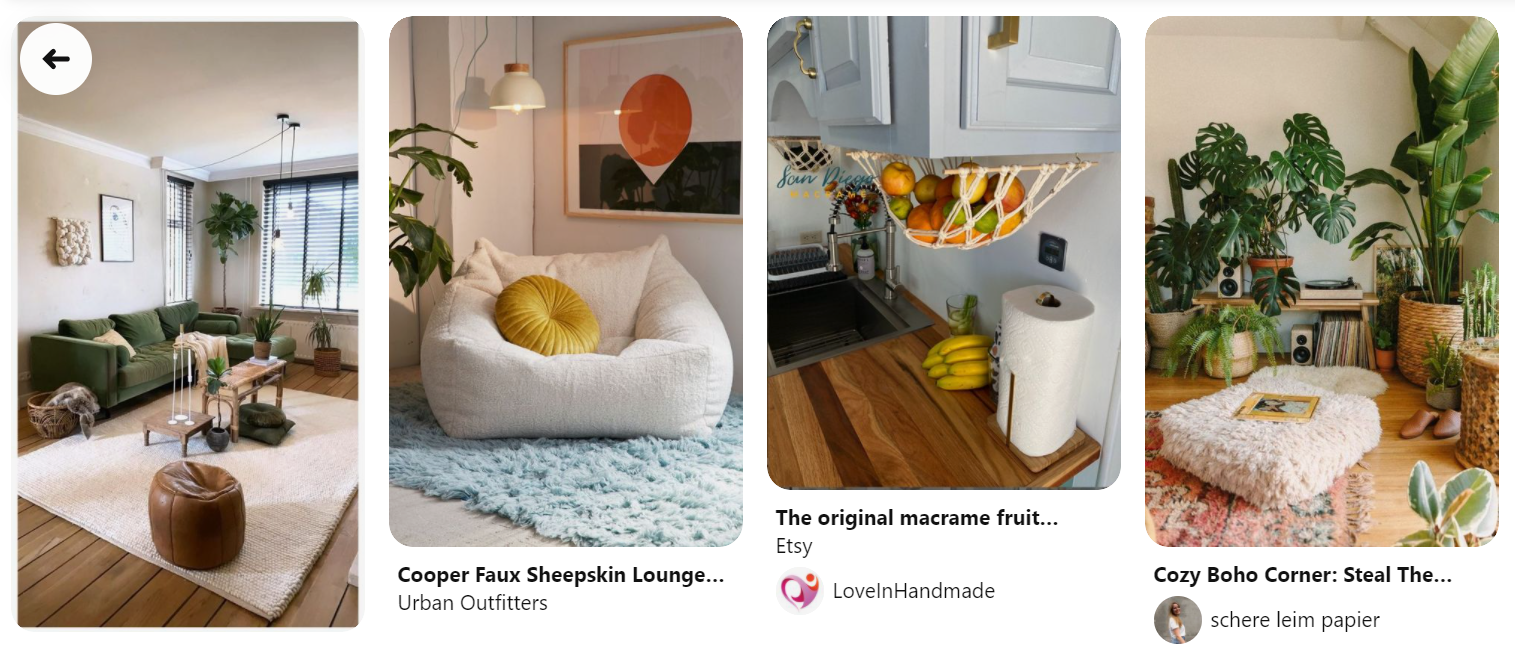
With Pinterest for Business, you have access to unique features, such as Business Hub, Create, Advertising and more. These features help your brand grow on the platform and get you more website traffic.
Given that a good number of purchases happen on Pinterest, your business has the potential of gaining leads on Pinterest, with possible conversions.
However, with a personal account, this won’t be possible. As a personal account is meant for socializing at an individual level, and saving pins, repinning, creating personal boards, etc.
Pinterest Business Hub gives you an overview of your Business Account. This includes Ads, Analytics, Business Resources and much more. These features help a brand operate and perform better on the platform.
Pinterest Create available in the Business Account, allows the users to create pins, product pins, campaigns, ads, etc. This feature is especially helpful for bulk pin creation.
Pinterest Advertising helps a business account to market on the platform. Unlike a personal account which would be flagged, Pinterest for Business enables a brand to advertise it’s products, features and other services.
Analytics
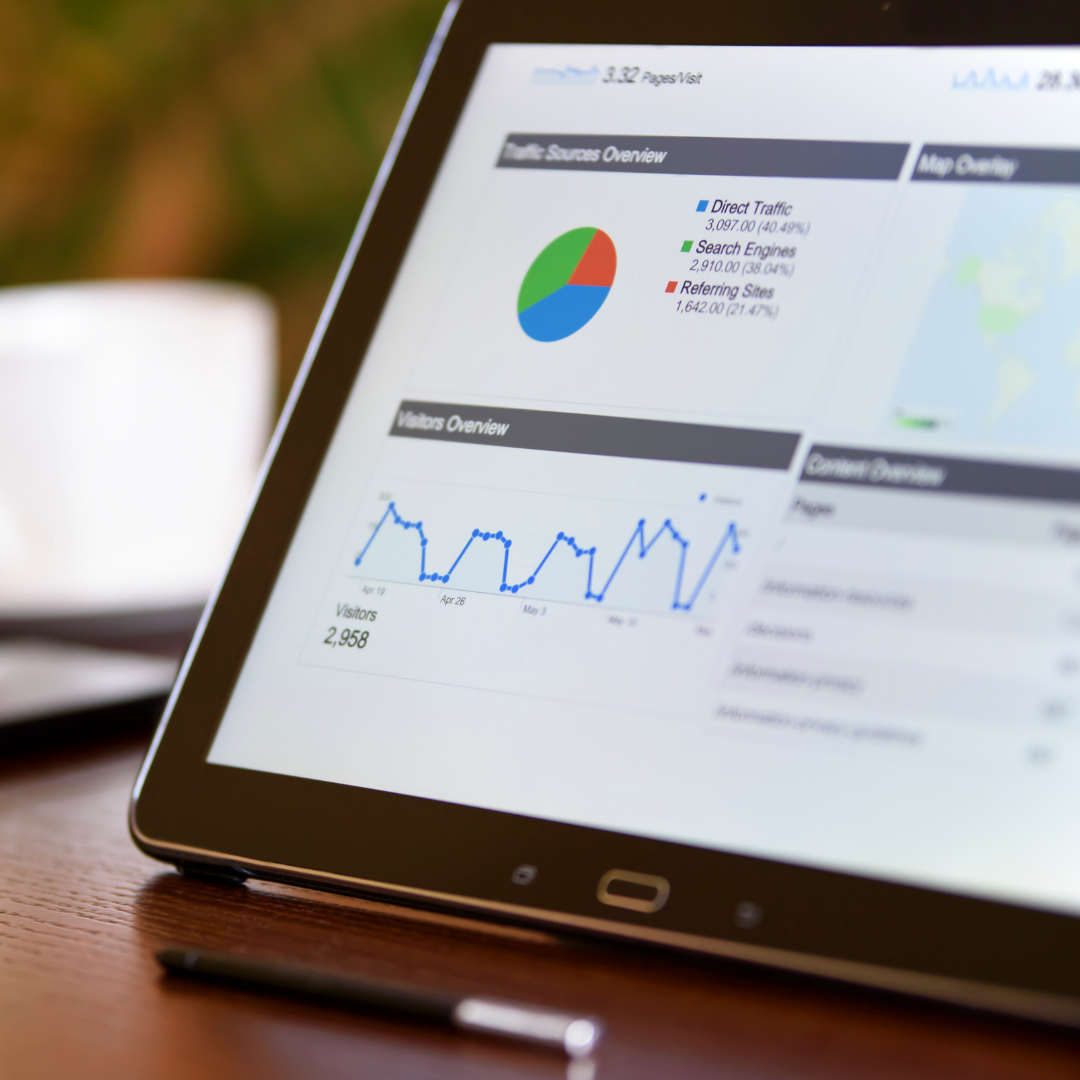
Pinterest for Business helps with detailed analytics of your content and ads. Through this free tool, you can study your audience and what type of content they prefer. Accordingly you can curate Pins that matter to your target audience such that these Pins rank higher and also lead to conversions.
If you want to gain access to analytics, you need to first confirm your website. Unsure about what this means? Here’s a reference to help you. Remember, you can only use one website for each business account. Using a personal account? You can say goodbye to all these free business features.
Business Username
If your brand is already active on the other social media platforms, you already know how important a brand username is. Use your brand name as your username, this plays a key role in creating and marketing your unique identity to your audience.
Your brand username helps your brand get memorable, and then if your audience wants to purchase a product or a service, similar to what your brand offers, their first option would be to chose your brand offerings.
Rich Pins
This is another great Pinterest for Business feature that wins the marketing game.
It adds to the user experience by giving Pinterest for Business Account users, the option to distinguish between different content types, as recipe, product and article pins, and also to add direct links, leading to their respective landing page.
A rich Pin is a type of Pin that automatically sync information from your website to your Pins. There are three types of rich Pins.
- Recipe Pins add a title, serving size, cook time, ratings, diet preference and a list of ingredients to recipes that you save from your site.
- Article Pins add the description, author, and headline or title of an article or blog post from your site.
- Product Pins include the most up-to-date pricing, availability and product information on your Pin. They’re a shoppable Pin format available to people with Pinterest business accounts. Click a product Pin to shop products that are available to buy.
Some product Pins direct you to the retailer’s website and others allow you to purchase products from retailers without leaving Pinterest. Although you can take a web developer’s help to set up, most of these Pins are easy to create.
If you own an ecommerce store, this is a feature that you definitely won’t regret using, especially when your marketing goals with Pinterest for the year are majorly focused on converting the traffic that is available on this platform. Here’s a guide to help you understand better on how you can set up a board pin.
Business accounts allow you to create all forms of Pins, while a personal account allows you to create only Static and Idea Pins. Both types of accounts allow you to create boards and engage with other users on the platform. However, a Pinterest personal account does not allow you to view the analytics on your Pins.
Static Pins feature one image. You can create a static Pin from your photos or from images you find online. Idea Pins are a multi-page format featuring up to 20 pages of videos, images and text in a single Pin.
The other types of Pins are –
Video Pins feature a single video. They automatically play when they appear in your home feed and they have cover images to capture attention. Video Pins are different from Idea Pins, because they do not feature multiple pages of videos, images and text.
Collections Pins are product Pins that have been grouped together in a collection. When someone clicks on a Pin in the collection, they can shop for similar products.
Try On is a feature that lets people virtually try on products they find on the Pinterest app using Pinterest Lens. It’s currently only available on mobile devices in selected regions.
Conclusion – Pinterest for Business vs Personal
Are all of the above possible with a personal account? Not quite. It’s recommended that if the objective is business marketing, then Pinterest for Business is the best, because of the many features that it offers.
However, if you’re not sure about marketing on the platform, then you can just continue with a personal account. Pinterest opens a world of creative ideas, and possibilities, and knowledge that can inspire you to go beyond and do more. Hence, sign up on the platform and get started.
Pinterest for Business vs Pinterest for Personal use, which one do you prefer and why?