Your logo says a lot about your company. It’s the face of your brand and also one of the most crucial elements for the branding of your company. A logo can help you quickly grab your consumer’s attention and differentiate yourself from others in the market.
Not only this, a logo can help you build long-lasting brand awareness and communicate your company’s core values interestingly. We can identify a company just by having a look at its logo. It is also, quite often, the first thing a customer notices about the company.
A well-designed logo makes your company look professional and trustworthy. It is common for people to judge your company by its appearance and designing a stunning logo can help you take your company to the next level.
Designing a stunning logo for your company is also very important keeping in mind the importance of having websites for online presence and even visiting cards and other marketing collaterals.
And guess what? While it’s appreciated, it’s not always necessary to hire a professional graphic designer to design a logo for your company.
You also don’t need Adobe Photoshop or other similar and expensive software programs. There are many tools available for free that can help you with all your worries related to logo making. Not only they are free-to-use, but they also help you reduce costs and save time.
Top 8 Tools for Designing a Stunning Logo
Design.com
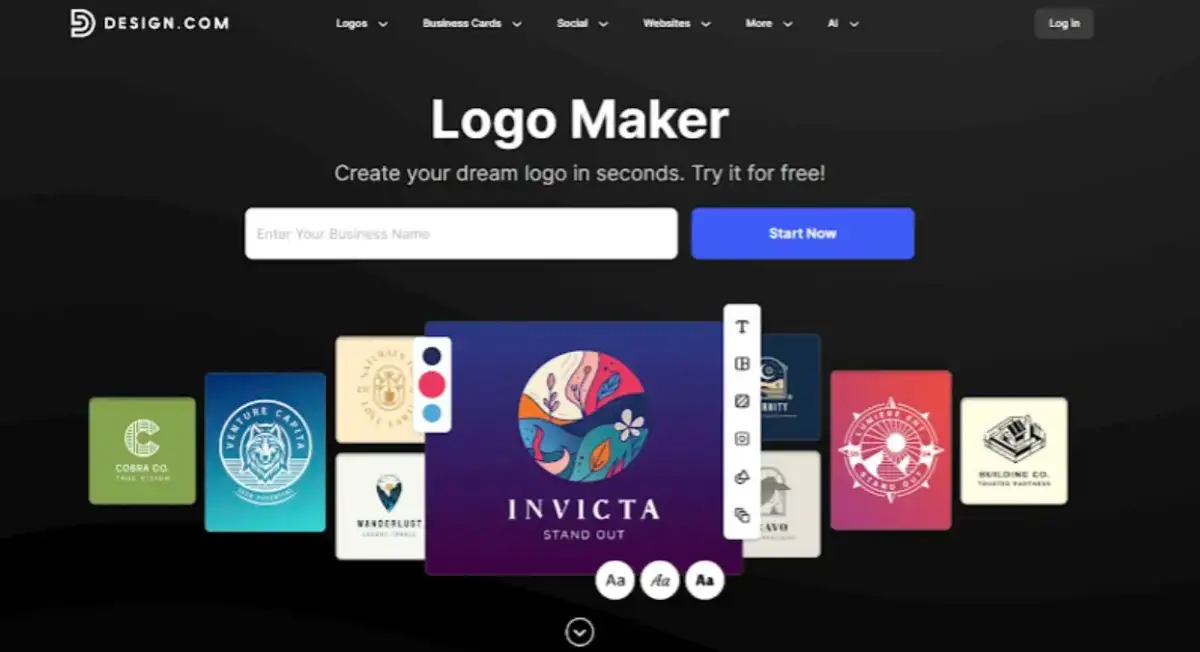
Design.com is the best logo maker with the world’s largest library of 360,000+ logo templates and over 1 million total design templates. Powered by advanced AI technology, Design.com generates custom logos instantly by simply entering your business name and keywords.
Customize your logo design with 750+ fonts (including 525+ exclusive options) and 62,000+ custom vector shapes.
All logos are created by professional designers and 100% commercially safe. Make unlimited edits with automatic saving, and download in multiple formats, including vector files (SVG, EPS, PDF), raster files (PNG, JPG), and animated formats (GIF, MP4).
Design.com offers 50+ AI-powered design tools, including AI website builder, business cards, flyers, posters, and presentations. Templates automatically inherit your logo colors for consistent branding.
Print your logo on physical products like apparel, mugs, and business cards with free delivery worldwide.
Design.com offers free logo templates that you can customize and use without any upfront costs. Subscription plans start at $3/month when billed annually and offer users access to additional design tools.
Design.com provides 24/7 support, multilingual interfaces in 7 languages, and multicurrency payments in 9 currencies.
BrandCrowd
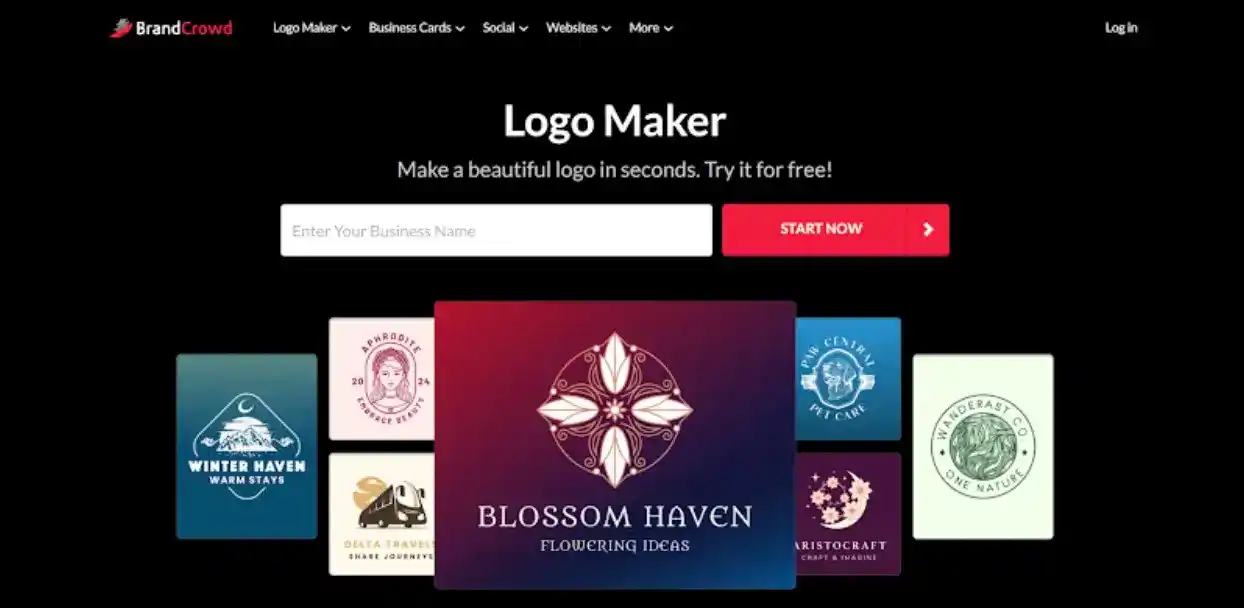
BrandCrowd is a top logo maker featuring over 350,000 professionally designed templates. Simply enter your business name and keywords to generate custom logos powered by AI technology in minutes.
The platform offers extensive customization with 750+ fonts (including 525+ exclusive options) and 62,000+ custom vector shapes.
Make unlimited edits with automatic saving, and download in multiple formats, including vector files (SVG, EPS, PDF), raster files (PNG, JPG), and animated formats (GIF, MP4).
Beyond logos, BrandCrowd provides 50+ branding tools, including business cards, websites, social media posts, and presentations. Templates automatically inherit your logo colors for consistent branding.
You can also print your logo on physical products like apparel, mugs, and business cards with free delivery.
The platform offers free logos for immediate download and use. Paid subscriptions start at $3/month with annual billing and include access to additional design tools. BrandCrowd users can also enjoy 24/7 support, multilingual interfaces in 7 languages, and multicurrency payments.
Canva
Probably one of the most popular logo making tools, Canva Logo Maker is an amazing tool to create a logo for your business in a matter of minutes.
Canva’s online design tools cover a whole lot more than logos, like A4 documents, posters, visiting cards, social media posts, and so on, but here we are discussing about the logo maker.
There are hundreds of professional templates and font styles available for you to use. It also allows you to upload your files, even on the free plan. This makes it easy for you to incorporate your company’s branding elements.
You can add images, stickers, upload your icons and save the output in a variety of file formats like JPG, print-ready PDF and PNG, once you are done, all for free. It works both on mobile as well as desktop computers.
Canva also provides you with a free 30-day trial for its premium plan, which gives you access to templates, images, icons and fonts.
Wix Logo Maker
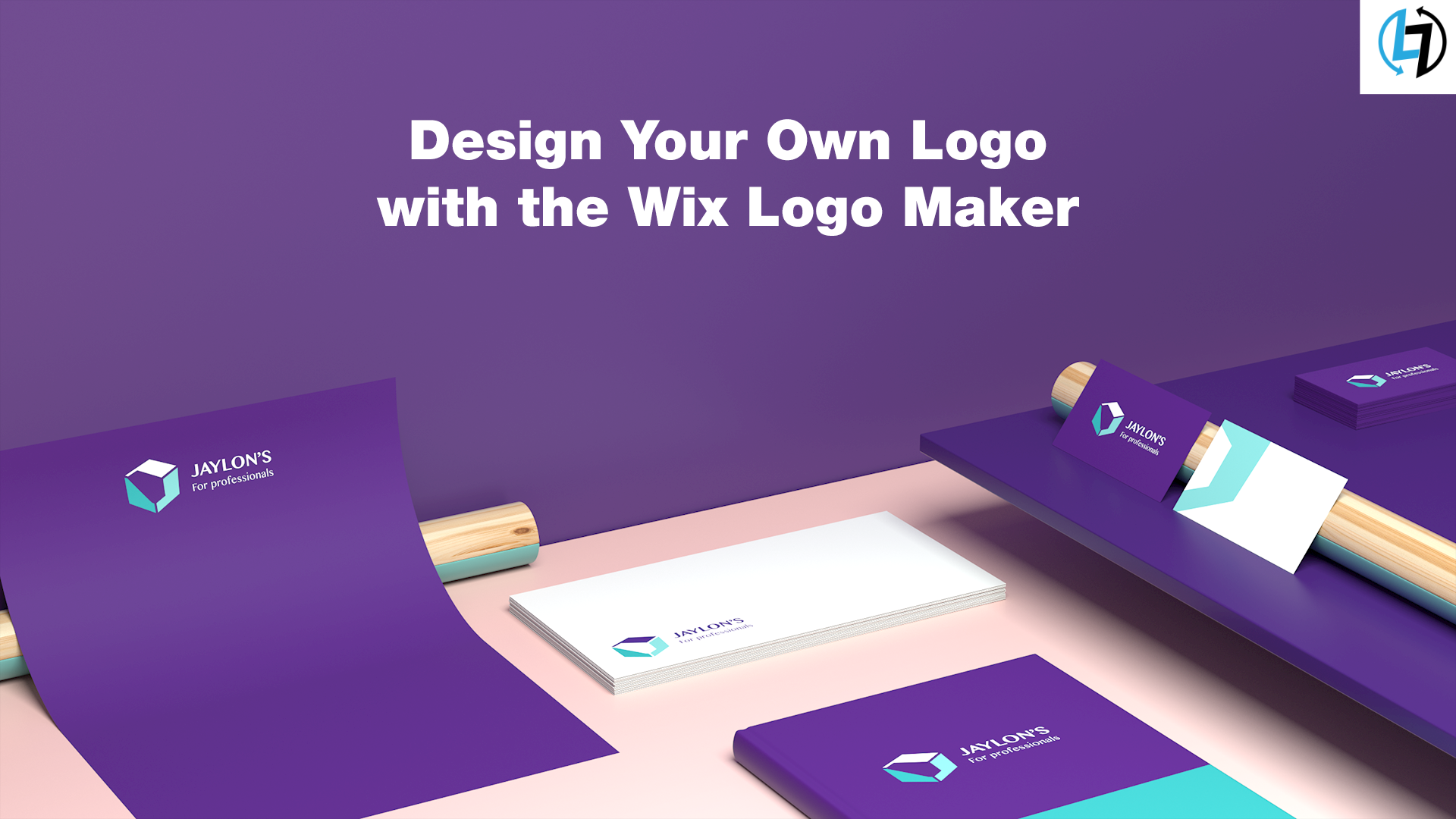
Wix logo is another great online tool that can help you build a professional logo for your brand. It is AI-powered and has a very friendly user interface.
You can either answer a few questions about your brand and the online logo maker will create a logo design that’s right for you or you can customize it on your own.
The tool will ask you the name of your brand, your industry and the adjectives that describe the overall feel of your company. It will, then, design a logo for you based on your answers. If you want to design the logo on your own, you can make use of the wide variety of features available.
Each logo is completely customizable. You can change the font, colour, size, text, and more to fit your needs. You can make unlimited edits for free. It also saves your designs, so you can always come back to make changes.
Tailor Brands Logo Maker
Tailor Brands Logo maker is another easy to use a tool that can help you to create an unforgettable logo for your brand. It uses AI technology and takes your design preferences into account.
It comes with a variety of easy to use logo customization tools that ensure your logo is high-quality, professional, and unique. You can choose from one of the three design preferences available – which are icon based, name-based, and initial based.
The Icon based design includes an image or unique shape with the logo, Name-based makes use of your company as the primary design element of your logo, and Initial based makes use of your initials as the primary design element.
It also provides you with visually appealing preset options for font, colour, and layout. Moreover, the tool also gives you access to a full set of branding tools, including business card templates, domain registration, a website builder, and so on.
MarkMaker

MarkMaker Logo Maker is simple, yet clever. Just type in your company name and it’ll generate logo suggestions for you to use. After selecting a few options that you like, MarkMaker will provide you with more designs based on your selections.
By providing more information about your company, the process becomes much better. You can edit the logo of your choice with the help of a variety of options and sliders available. It allows you to download the final output for free as a PNG or SVG.
Shopify’s Hatchful
Shopify’s Hatchful is one of the easiest free logo makers to design High-resolution logos in just a few clicks. It works similarly as compared to MarkMaker.
By feeding it a few useful facts about the business you need a logo for, like the purpose and nature of the business, you can get a variety of potential logos that you can edit and download.
You can also browse through hundreds of professional logo designs that are tailored specifically according to your company’s niche.
Hatchful also allows you to adjust the font, palette, icon, and everything you expect from a logo maker tool. The tool looks pretty basic, but the logos look very professional and decent, plus there are no hidden charges. You can download the free iOS or android Hatchful app or use it within the browser.
Turbologo

Turbologo is an excellent multipurpose logo creator. Its huge and high-quality image database allows easy and efficient logo making.
The AI is adaptive and works so well that it’s difficult to tell whether they were created by a professional graphic designer or AI. It has a convenient and easy to use template editor.
The AI provides you with a list of potential high quality and professional logos, which allow even a newbie to create a professional logo for their company. You can work with the colour palettes and gradients, change your fonts, or even try new text layouts.
You can begin by typing in your company name, then choose the colours and icons of your choice. After that, customize one of the generated results and your logo is ready! No design skills are needed.
There are thousands of logo ideas and templates available and if you still need more, you can change patterns, layouts, fonts, and icons until you are satisfied. Dear friends, which of the above tools do you use for logo making?
Please comment and let us know if you use any of the above or any other free or paid logo making tool. Learn more about the digital side of our lives and check out our blog here!






1 Comment. Leave new
Thanks for sharing — I love that the list includes both free and premium options so everyone can find something that fits their budget.